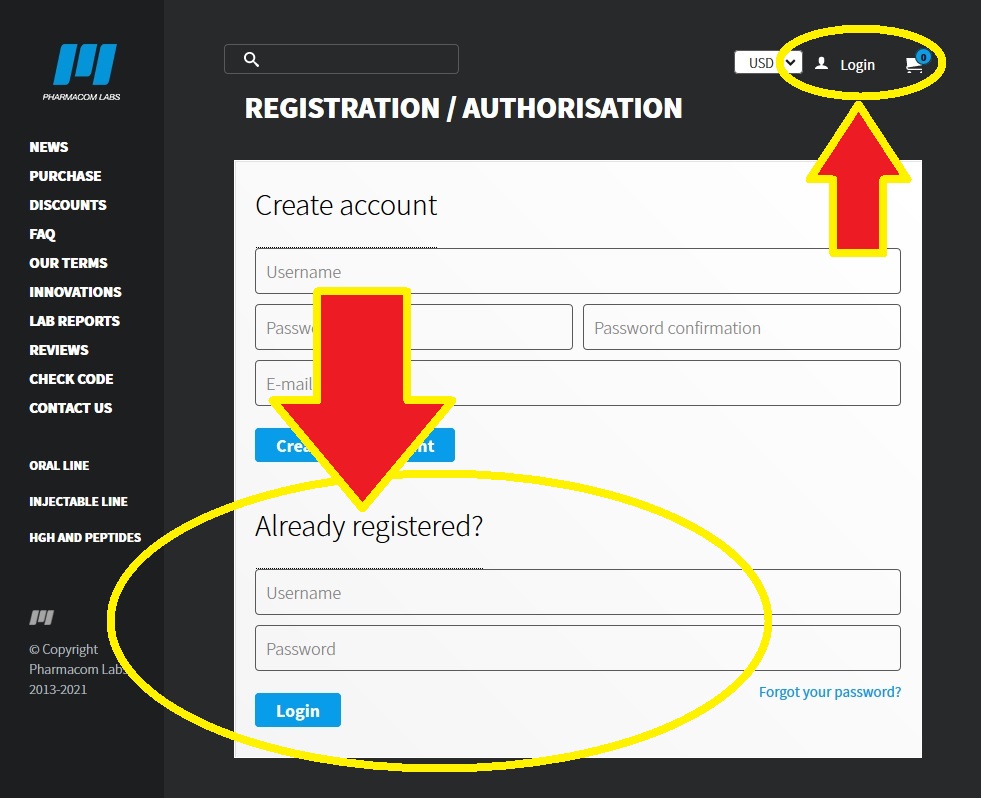
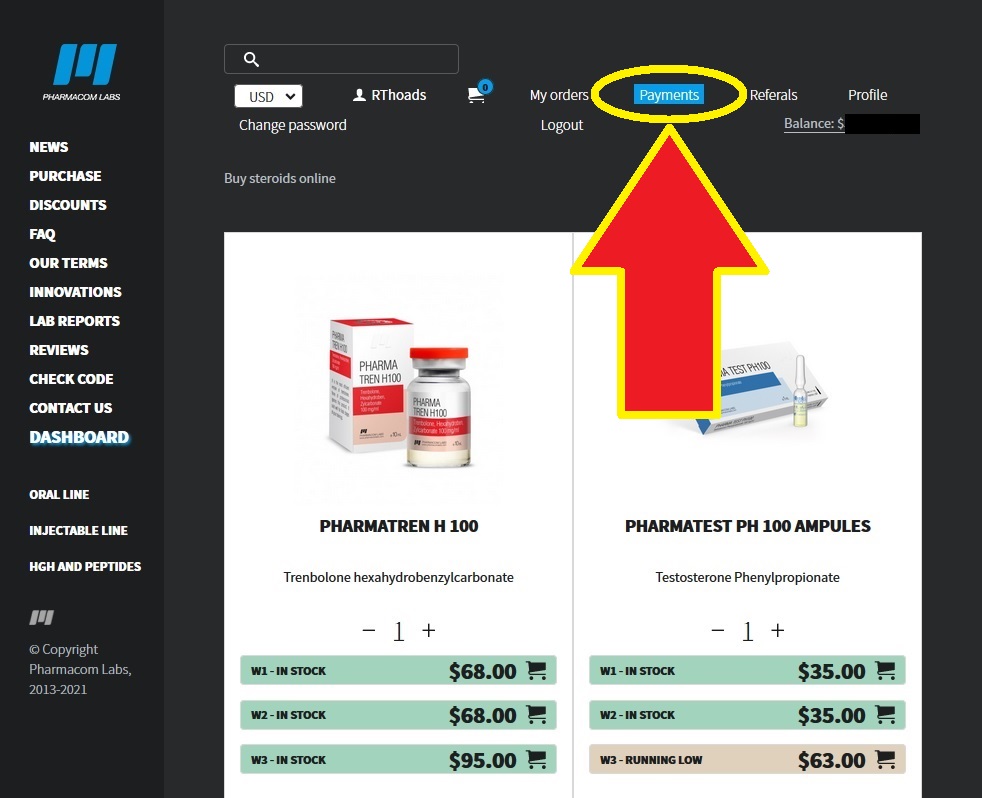
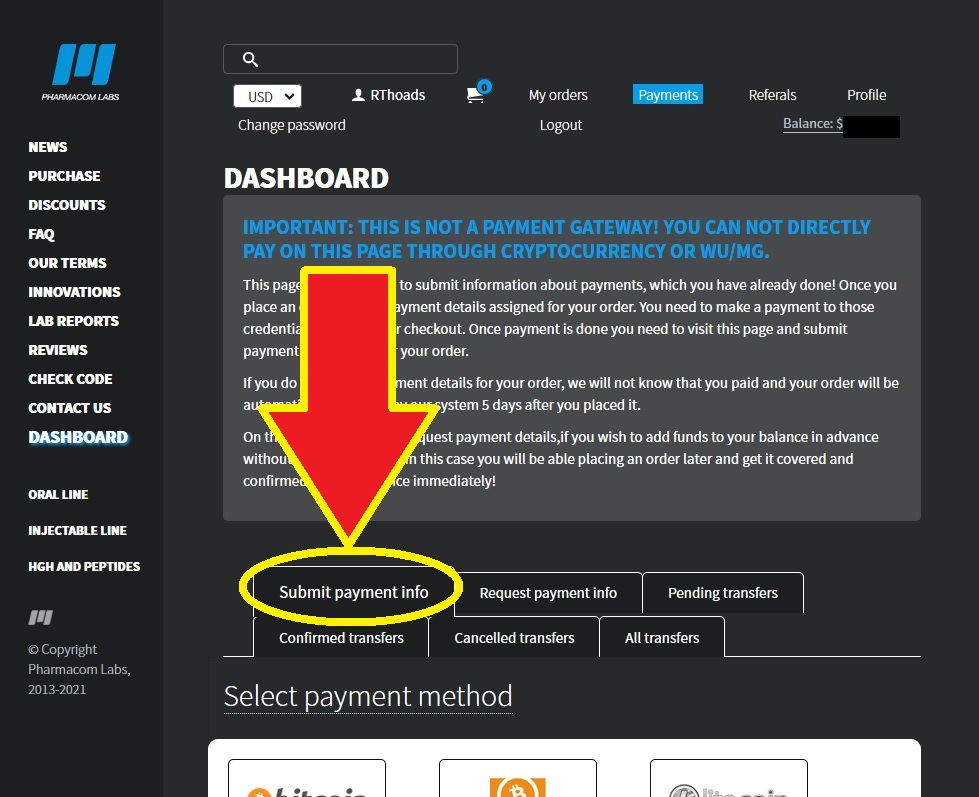
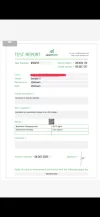
You can check the authenticity of the Basicstero.ws store by entering “Basicstero.ws” in the "DEALERS" section on Pharmacom Labs official site (link in the "code" box below).
✔Check it for yourself:
•Step-1: Go pharmacomlabs.com and select the "Dealers" button on the top bar.

•Step-2: Enter "Basicstero.ws" in the box, complete the CAPTCHA (if required), and click "SUBMIT" to see the result.

All products come directly from the Pharmacom Labs manufacturer!
Important: This source does not take orders via email.
If anyone tries to get you to place a new order via email or a site/link other than the basicstero.ws official store, it may be a scam.
BEWARE OF SCAMMERS! ALL ORDERS SHOULD ONLY BE PLACED AND PROCESSED THROUGH THE CHECKOUT PROCESS IN THE OFFICIAL STORE!
✔Check it for yourself:
Code:
https://pharmacomlabs.com/dealers•Step-1: Go pharmacomlabs.com and select the "Dealers" button on the top bar.
•Step-2: Enter "Basicstero.ws" in the box, complete the CAPTCHA (if required), and click "SUBMIT" to see the result.
All products come directly from the Pharmacom Labs manufacturer!
Important: This source does not take orders via email.
If anyone tries to get you to place a new order via email or a site/link other than the basicstero.ws official store, it may be a scam.
BEWARE OF SCAMMERS! ALL ORDERS SHOULD ONLY BE PLACED AND PROCESSED THROUGH THE CHECKOUT PROCESS IN THE OFFICIAL STORE!